Fresh additions lead.
Videos and photos sort by the date they were added, with natural filename order used only as the tie-breaker.
Kino opens a folder and turns its videos and photos into a fast, visual browser. There is no library to import, no account to create, and no server between you and your files.
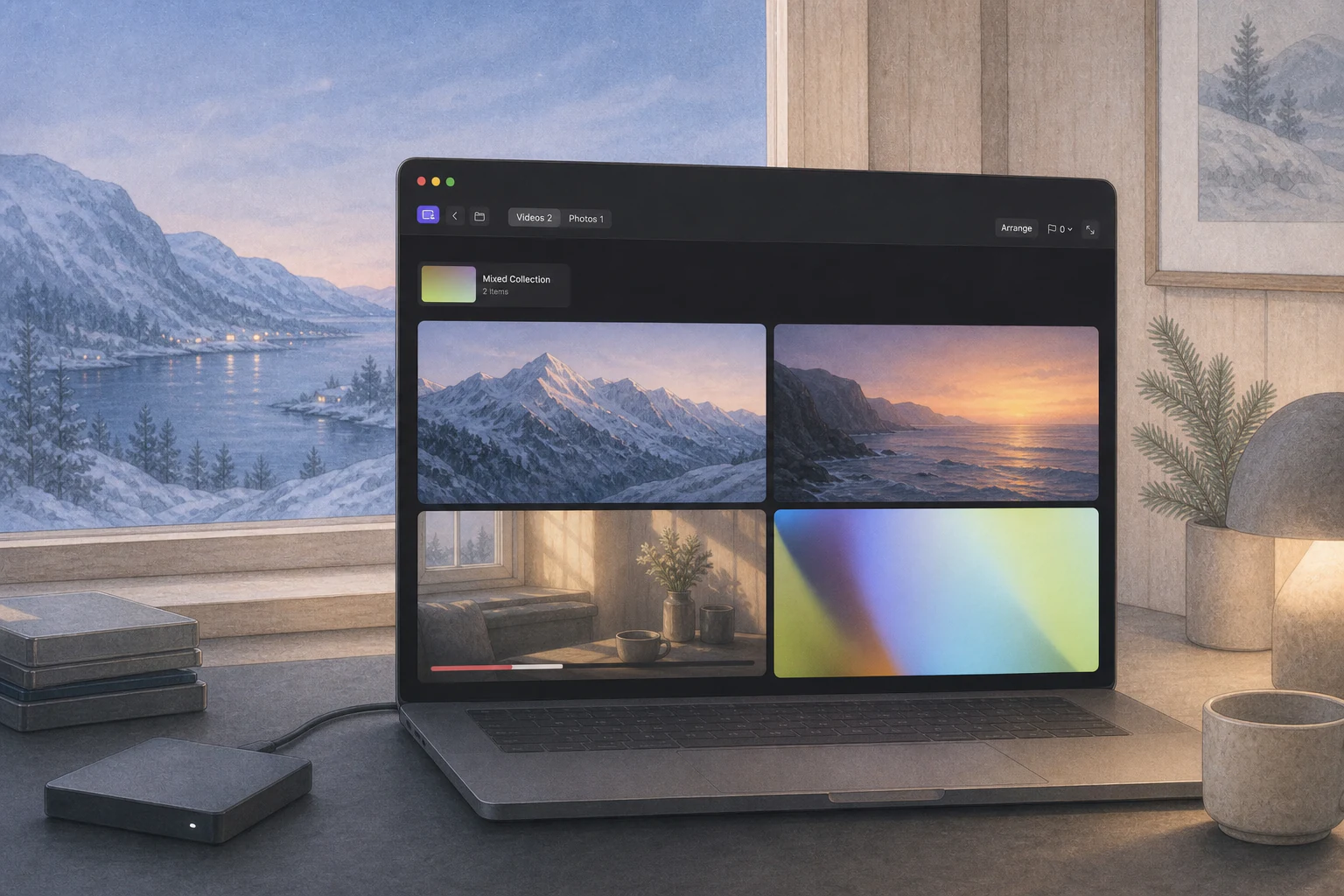 videos · photos · folders
Kino reads local folders, external drives, and mounted network storage directly. Closing Kino leaves the collection exactly where it was.
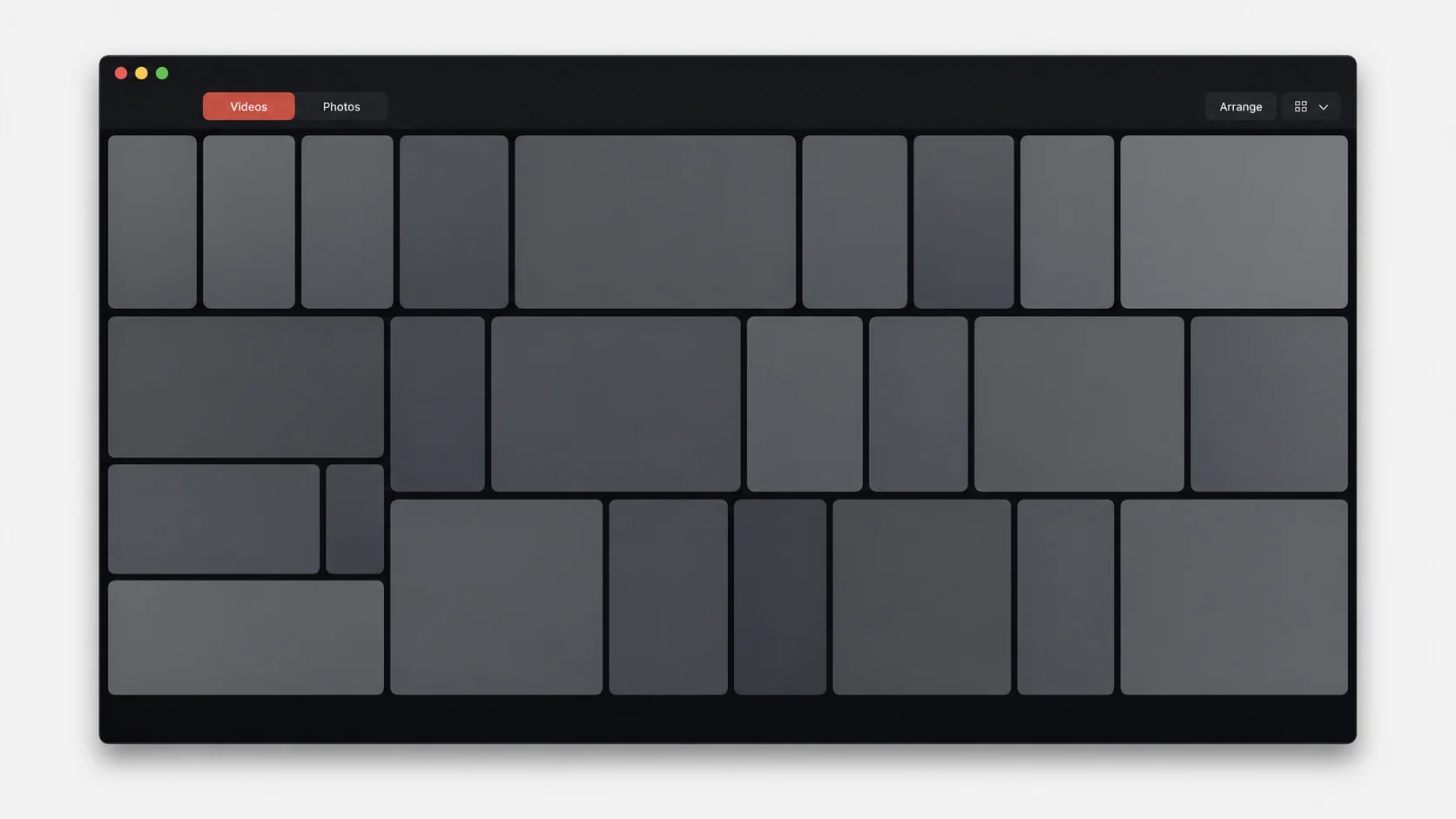
Videos and photos sort by the date they were added, with natural filename order used only as the tie-breaker.
A subfolder containing both videos and photos remains a visual folder card that opens in one click.
A subfolder containing only videos or only photos is flattened into the parent tabs, avoiding needless drill-down.
Kino restores the previous folder view from memory rather than rescanning it when you return.
Rows preserve each item’s shape and repack as the window changes, with arrow-key paging for large folders.
Preview images are cached on the Mac so browsing a mounted folder becomes faster without changing the source.
Kino uses the same native libmpv-based playback foundation proven in Skue, with one efficient preview in the grid and a full player when you choose a clip.
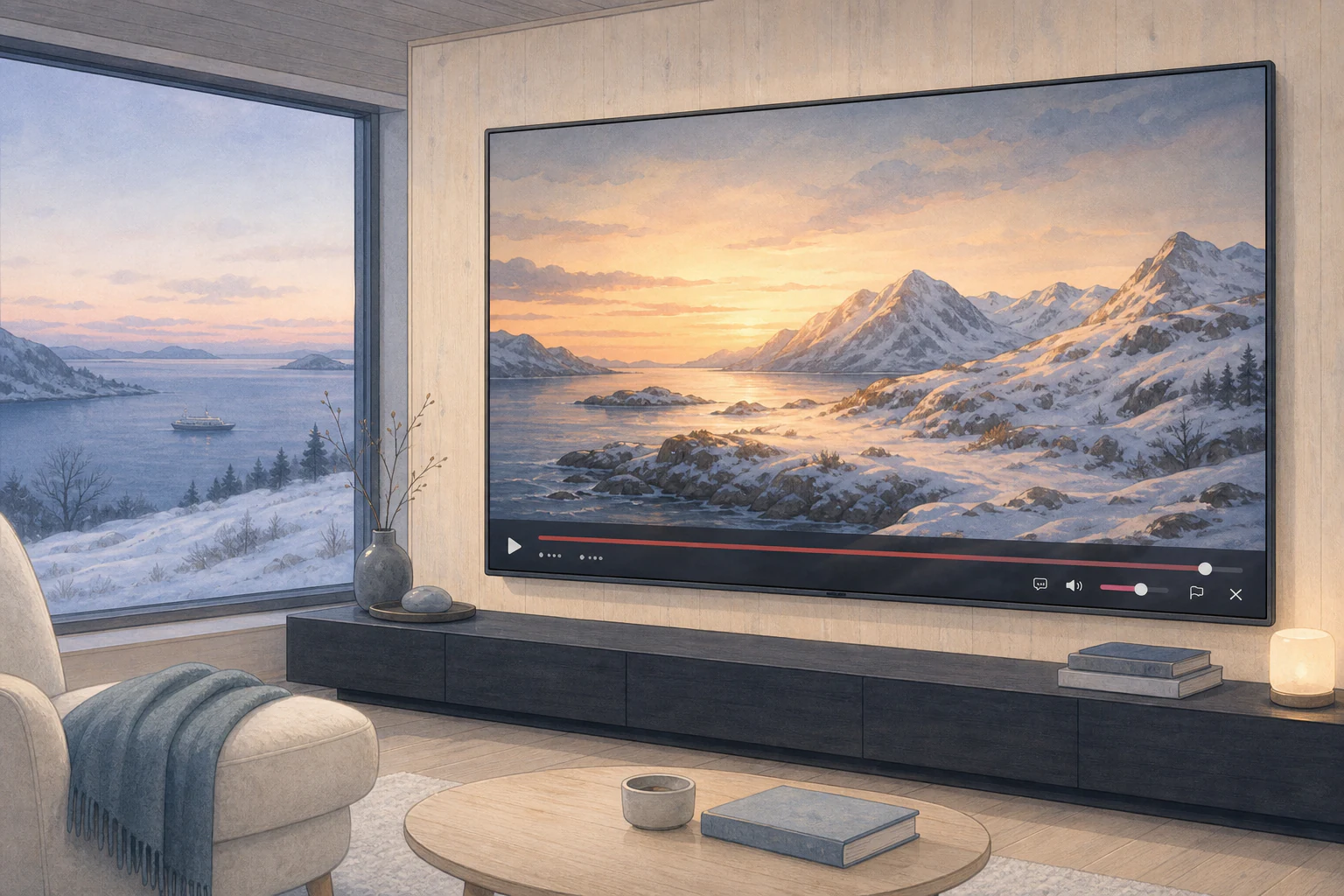
Hover for a muted preview, click when you want its audio, or double-click to fill the window with sound on. Then scrub, pause, adjust volume, flag the clip, cycle subtitles, or use the arrow keys to move through the collection.
Use the caption control to cycle subtitle tracks while the video is open.
The photo viewer fits the whole image first, then supports magnification and dragging.
Fullscreen hides the browser chrome while preserving the same grid and full-view interactions.
Flags, temporary removals, and manual ordering let you shape the current browsing session. Kino changes files only when you explicitly choose a file action.
Flag individual items, select or deselect a page, and switch to a flagged-only view.
Move videos up or down in the Arrange window, or restore the newest-first order at any time.
The grid’s remove control is session-only. Reset restores every hidden video.
Kino chooses a numbered destination name instead of silently replacing an existing file.
Only files that actually moved are removed from the current browser view.
Kino asks first and uses the macOS Trash. It does not permanently unlink files.
Kino means cinema or movie theater in Norwegian, Danish, Swedish, German, and several other European languages. Say it KEE-noh.
cinema · movie theater · a place to watch
Kino 1.0.7 includes a notarized self-contained installer. It installs Kino in Applications, preserves local settings on future updates, and checks a signed Sparkle feed quietly once a day.
Version 1.0.7 · Build 8 · Apple silicon · macOS 15 or later.