A local-first notes app for Mac

Your thoughts, with room to breathe.

Skriv pairs a calm native writing space with ordinary Markdown files, real folders, automatic versions, private locking, and AI that stays entirely optional.

Apple silicon Version 1.4.0 Free No account Necessary
Format Ordinary .md files
Storage Any folder you choose
Privacy Works fully offline
Price Completely free
Everything notes need

Quiet on the surface. Capable underneath.

Skriv keeps the common path simple, then reveals deeper tools only when you need them. Nothing competes with the note in front of you.

01

Markdown that feels like writing, not formatting.

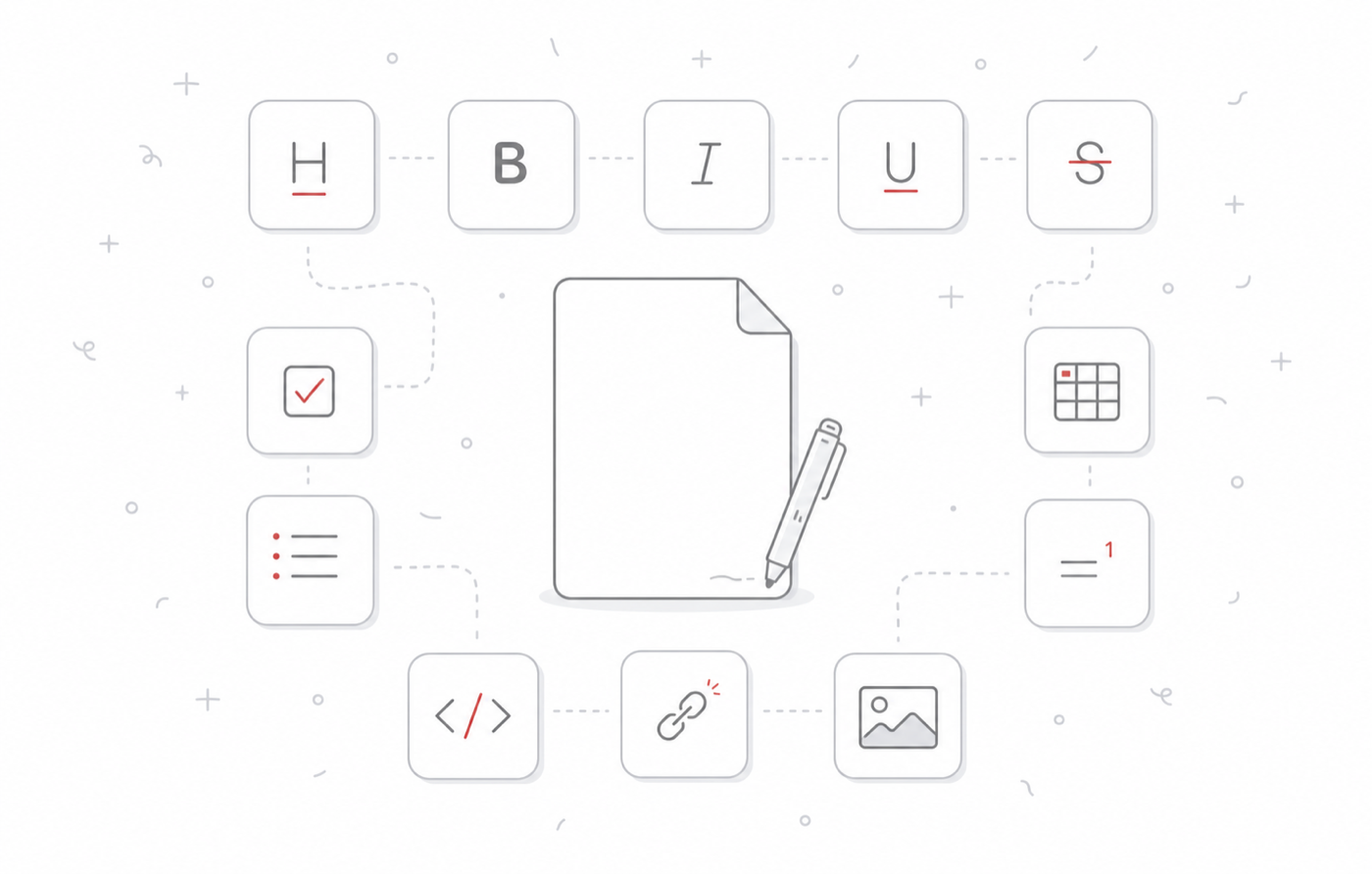
Use familiar shortcuts or the compact formatting shelf. Syntax recedes while headings, lists, quotes, links, footnotes, code, tables, and attachments remain beautifully readable.

Minimal Skriv illustration showing a formatted page with writing tools
02

Folders you can see.

Your organization is reflected directly on disk—no proprietary database required.

03

Tags without friction.

Nest tags, browse them from the sidebar, and search across titles, note text, metadata, and locally read attachment contents.

04

Attachments stay with the thought.

Images and PDFs appear inline; documents, archives, and other files remain clearly managed beneath the note.

05

Focus when you want it.

One control removes both sidebars and gives the editor the complete window. Widen it and the note grows naturally.

06

Choose your Nordic notebook.

Thirteen persistent Nordic Letterpress icons keep their substantial raised rims and recessed writing lines even at Dock size—and keep the selected color after Skriv is closed. Snow, Fjord, Pine, and Cabin use Verkheim’s exact signature palette, alongside the original and eight other quiet Nordic colors.

Your files are the foundation

Keep every note within reach.

Choose a local folder, Dropbox, another cloud-synced location, or a mounted NAS. Skriv works with the files you own instead of hiding them behind an account.

01
Portable by defaultOpen your Markdown in any text editor, today or years from now.
02
Built for shared foldersFile Provider locks and conflict copies protect multi-Mac libraries.
03
Verified backupsCreate complete ZIP snapshots manually or on a schedule.
Skriv illustration of a bird beside an open notebook and pen
Bring ideas in

Capture the web. Import your history.

Save a selection or readable page from Safari, Chrome, or Firefox. Bring existing notes from Markdown folders, TextBundle, Evernote, Drafts, Obsidian, or Day One.

Web Clipper → Keep page text, images, the source link, and default tags. Flexible importing → Preserve folders, tags, dates, and inline attachment placement.
Send to Skriv Use Finder’s Services menu to send selected files directly into a note.
Share and export Use native Mac sharing or export Markdown, HTML, PDF, and Word.
Time without anxiety

Every draft has a way back.

Skriv quietly records automatic versions as you work. Preview the full note, move backward or forward through its history, and restore the moment you need.

Current Today at 10:42 AM 1,284 words · latest edits saved
Automatic version Today at 10:18 AM 1,149 words · opening revised
Automatic version Yesterday at 8:31 PM 876 words · first complete draft
Created Monday at 4:06 PM 112 words · the first idea
Scandinavian in spirit

Simple, clean, and focused.

Skriv is inspired by the Scandinavian word for write—and by the Nordic idea that useful things can also feel calm, warm, and enduring.

From the Skriv Journal

Why Skriv Exists

Skriv began with a simple conviction: your notes should remain yours—without a subscription, a proprietary database, or an app standing between you and your own files.

Read the story
A calm Scandinavian writing room overlooking a snowy Nordic landscape
“I do not want to rent access to my thoughts.”
Skriv Journal · Note 01
Optional means optional

AI when it helps. Silence when it doesn’t.

Skriv’s writing tools can summarize, continue, reshape, proofread, title, or follow a custom instruction. AI is off on a fresh install, and every core note feature works without it.

AI Writing Tools Off by default
Choose Codex or Claude CLI, OpenAI, Anthropic, Gemini, or a local OpenAI-compatible model. You can also hand a complete note and its attachments to an AI app without sending anything automatically.
Answers, without the hunt

A complete help center is one click away.

Browse setup, writing, organization, attachments, importing, versions, privacy, AI, shortcuts, and troubleshooting.

Your notes should always feel like yours.

Download Skriv for Apple-silicon Macs. The ZIP includes a self-contained installer that places Skriv in Applications.

Download Skriv 1.4.0
37.10 MB download Works offline No account Necessary Completely free