Show the bookmarks bar
Make the bookmarks or favorites bar visible in Safari, Chrome, or Firefox.
Save selected text—or the readable page when nothing is selected— directly into your own Markdown library. Images, source links, and default tags can come with it.
Drag this button to your bookmarks bar—or copy it and paste the code into a bookmark’s address field.
Skriv Web ClipperMake the bookmarks or favorites bar visible in Safari, Chrome, or Firefox.
Drag the button above to that bar. Or create a bookmark and replace its address with the copied code.
Select a passage when you want only that text. Otherwise Skriv captures the readable page.
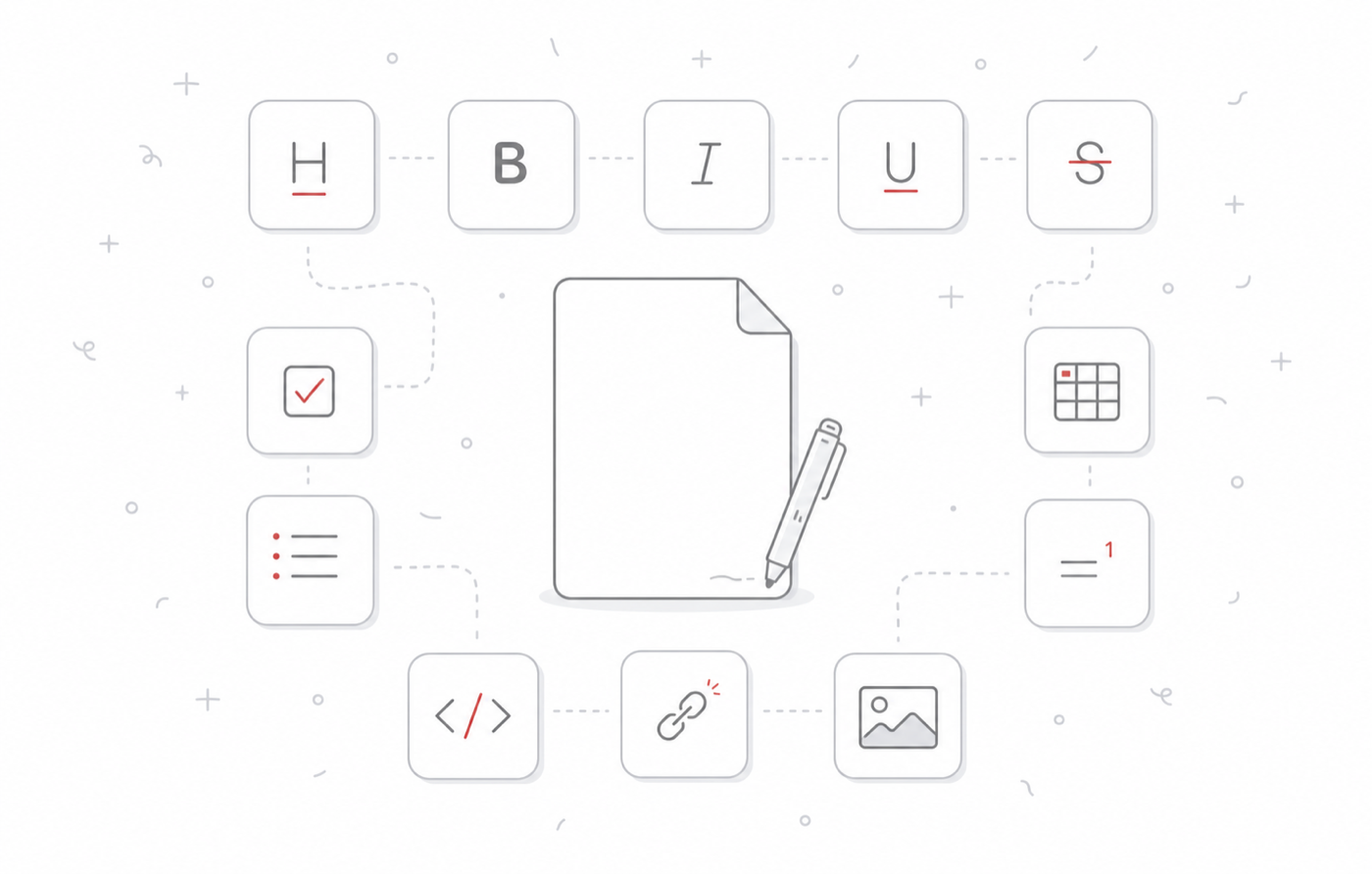
Skriv places captures in a visible Web Clips folder as ordinary Markdown. Edit the note, move it, tag it, export it, or open the file in another app—the clip never depends on a hosted reading service.
Install Skriv, add the bookmarklet, and turn useful pages into portable notes.
Download Skriv 1.4.0